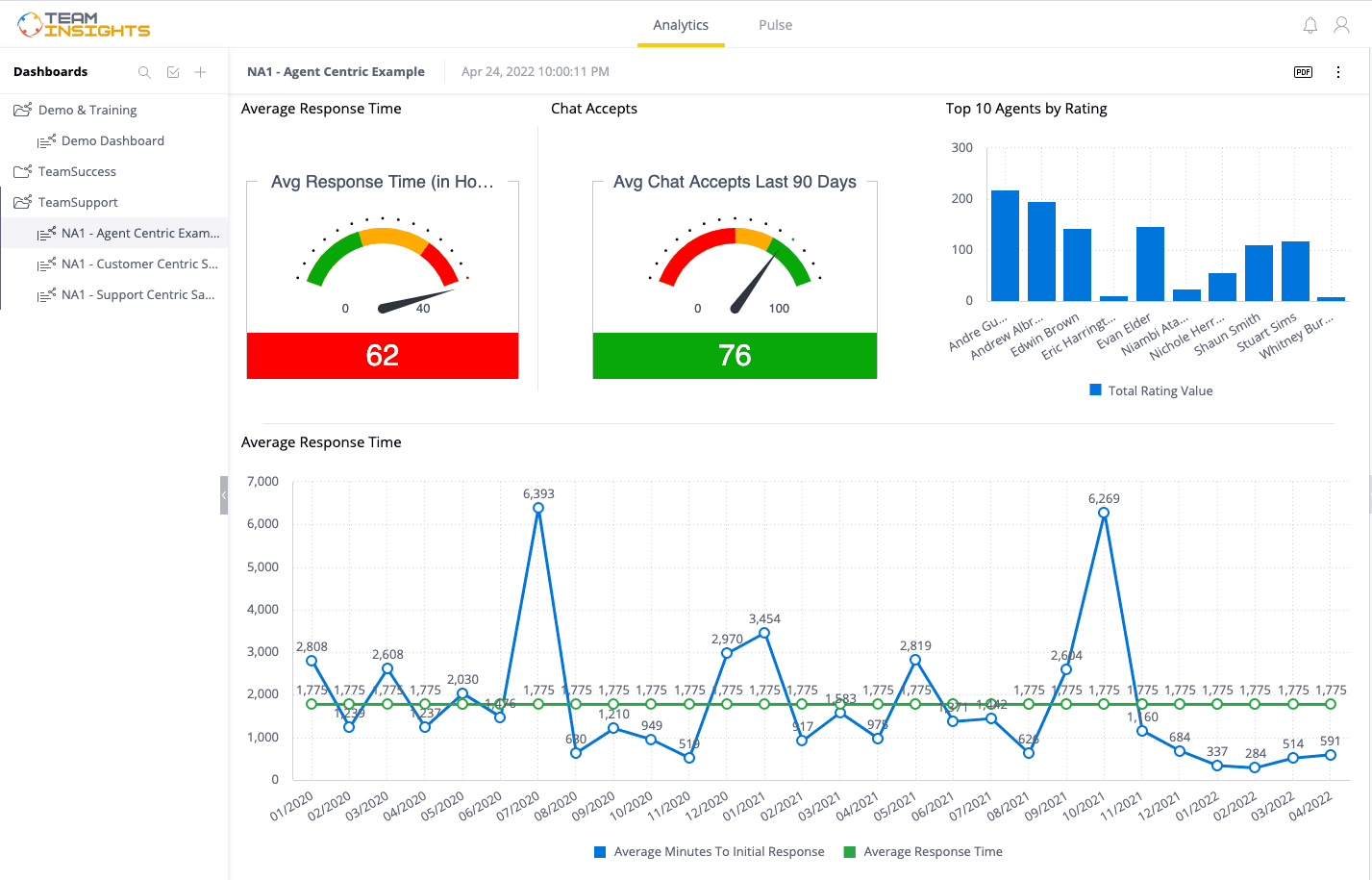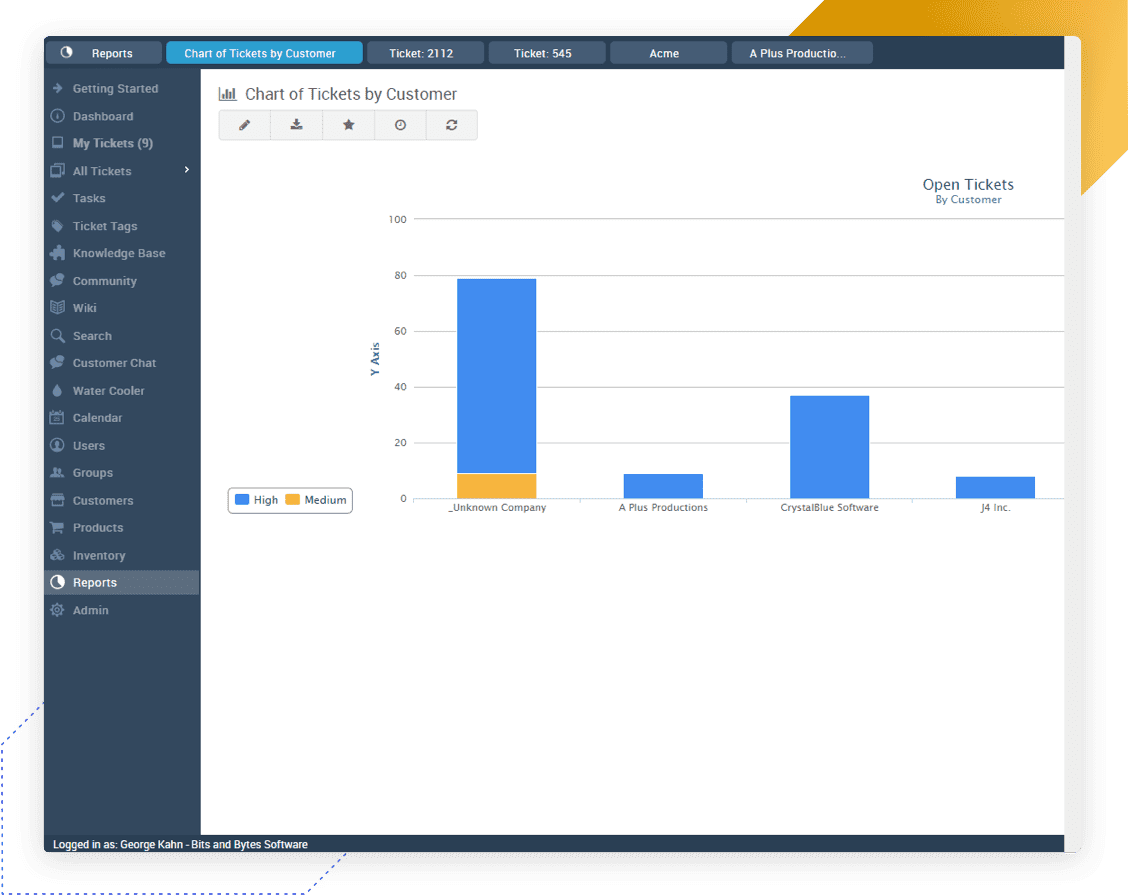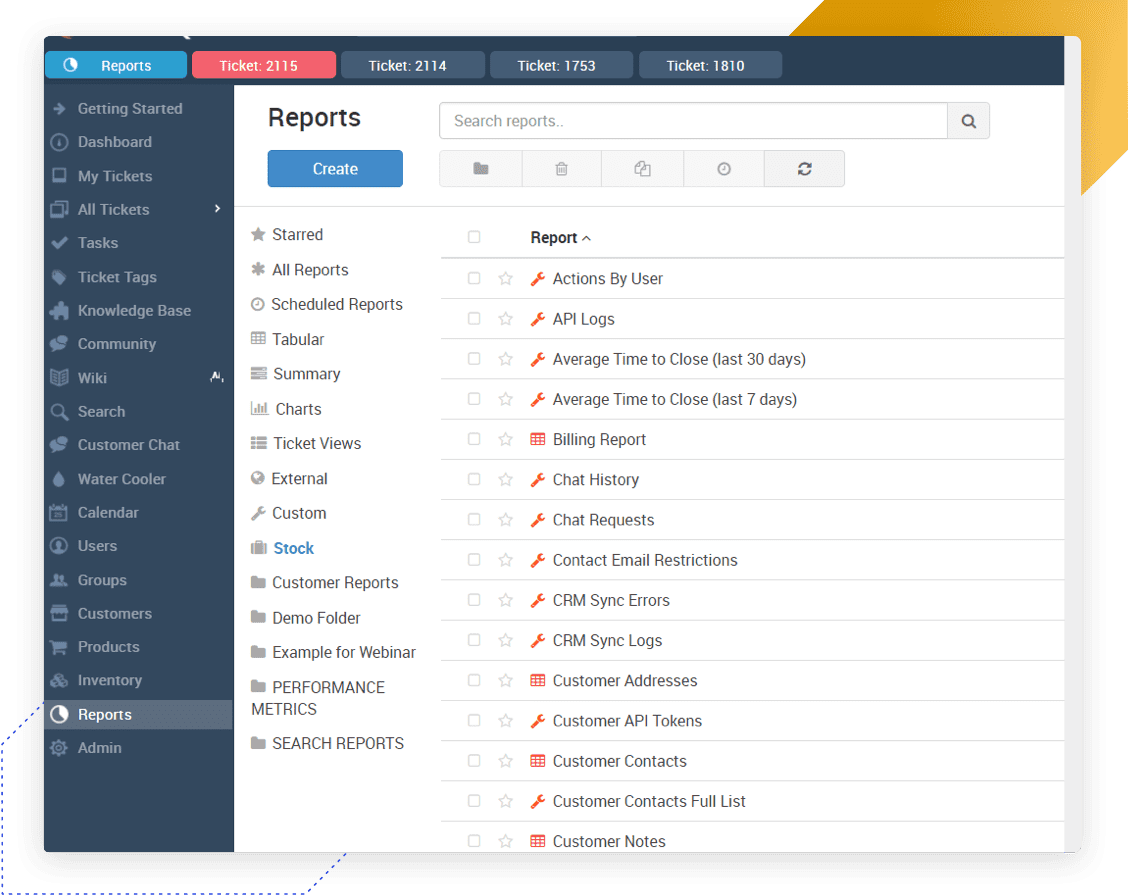
When you first log in to TeamSupport you are taken to the dashboard. The contents of the dashboard include: -Create New Ticket - Brings up the new ticket form. -Quick Ticket Search. You can search by ticket number or keyword. Clicking the ticket from here will open that ticket in a new tab for view/edit. -A pie chart which shows the user how many tickets they currently have open and a few reports to help you get started. -You can customize the view of the dashboard to your liking. You can add any report you have defined in the reports section into the dashboard just by clicking the "Add Report" button in the upper right. You can also move around the reports an graphs or get rid of them by clicking the x. -Clicking on a blue folder icon will either open a ticket into a tab for editing, or if the folder is related to a customer, it will take you right to that customer record (enterprise and support desk only). You will also notice multiple ticket tabs across the top. TeamSupport allows you to open multiple tickets, making multi-tasking easier for each user. |