
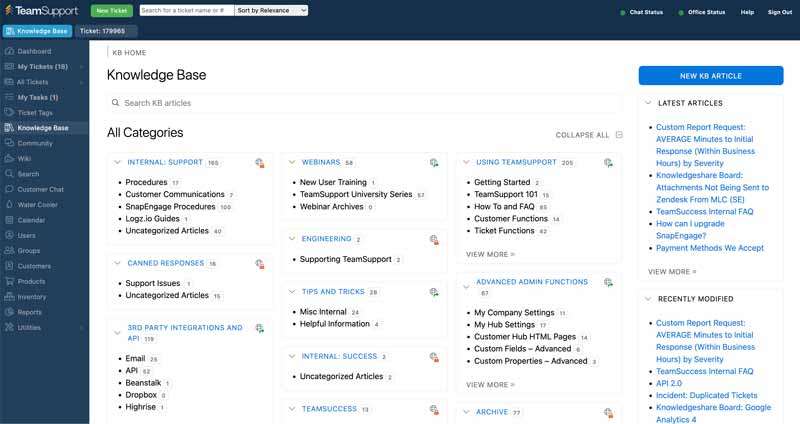
Serving as the pinnacle of collaboration, our Knowledge Base enables customers to search for the information they need when it’s convenient for them. The collection of resources and articles is created by our product experts, ensuring your customers find the most accurate and helpful information.
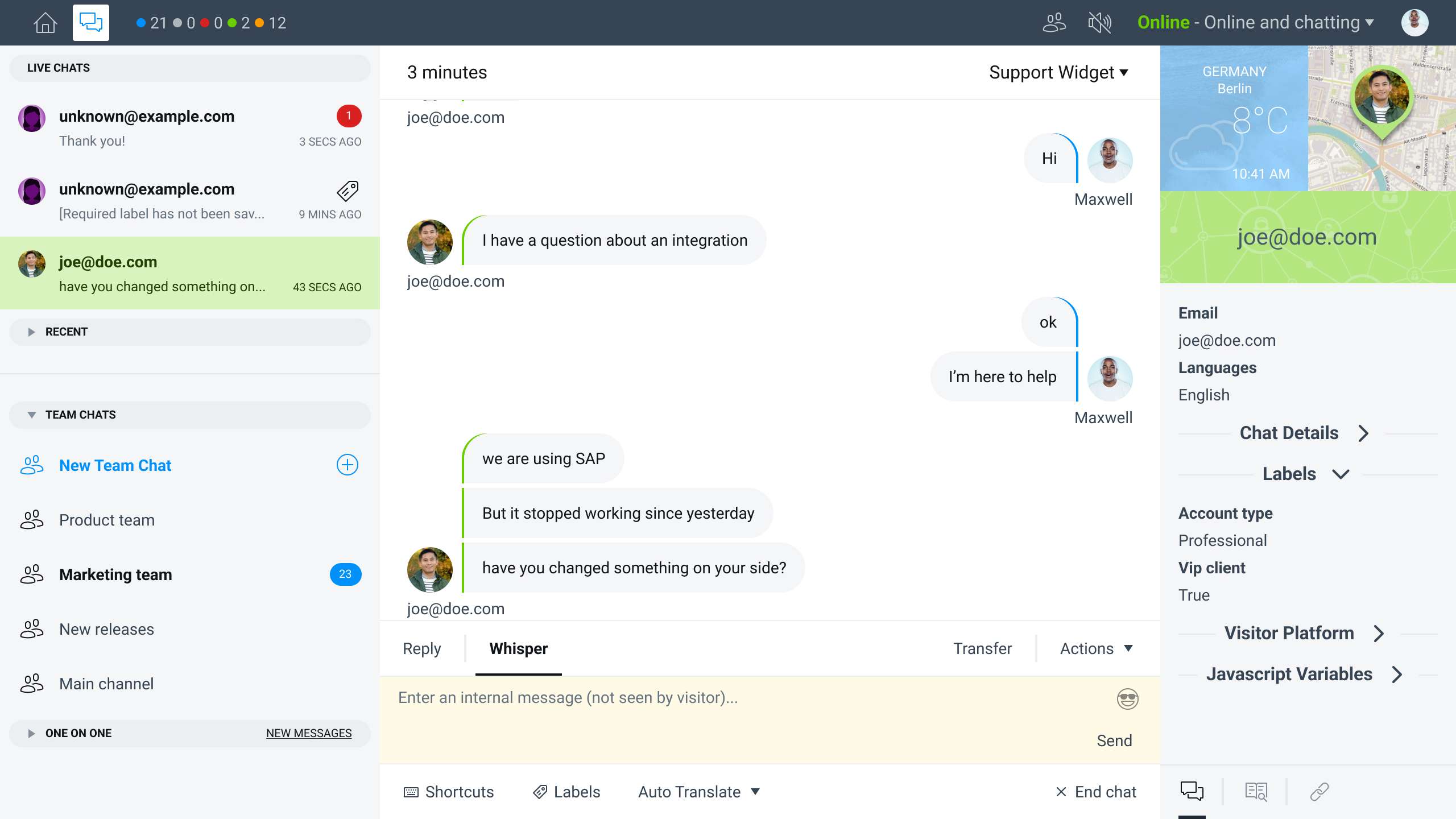
Through powerful Artificial Intelligence (AI), our chatbots mimic human conversations and understand complex requests so that simple questions are quickly addressed and others are escalated. With auto-routing to our Knowledge Base or answering the question based on automated responses, our chatbot enables faster resolution times.
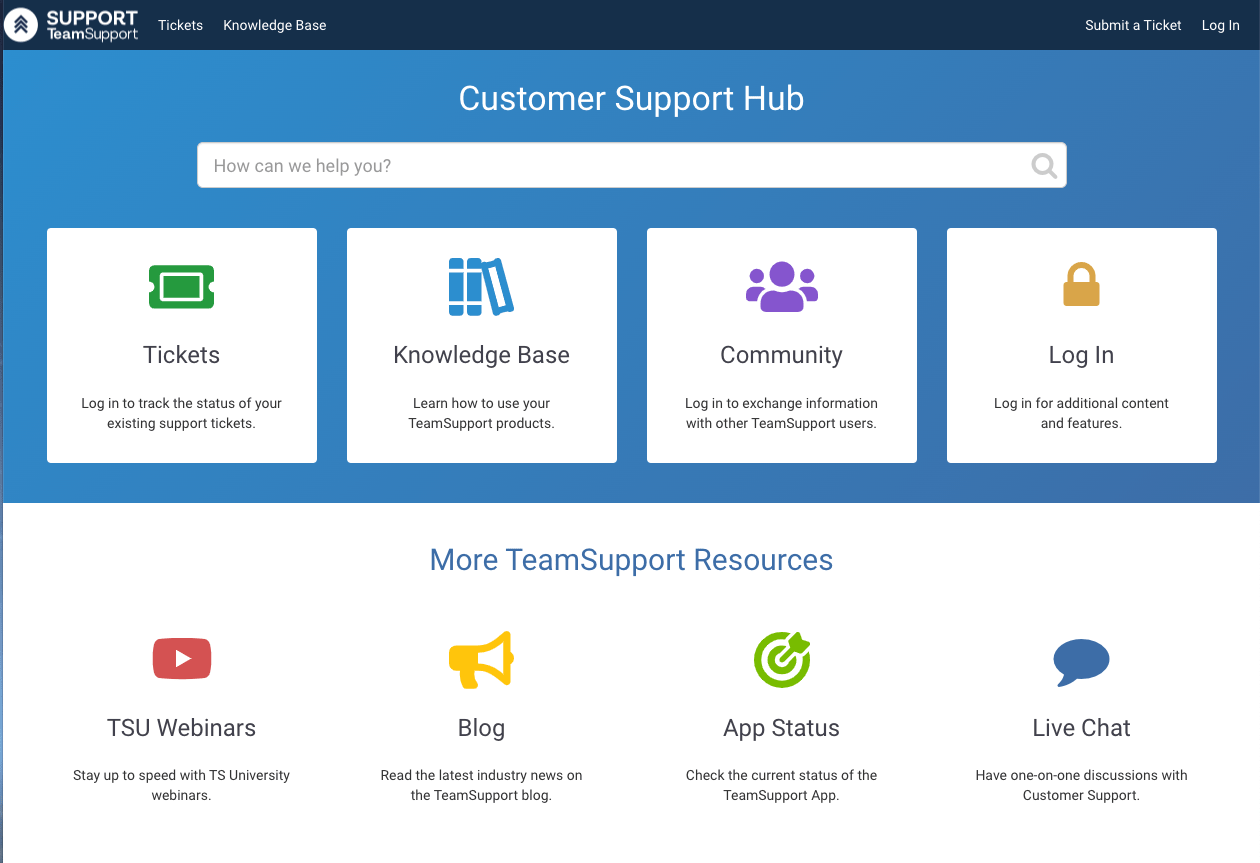
Serving as the go-to, centralized place for support information and product knowledge, our Customer Support Hub allows your customers to remain informed on all aspects of their relationship with you. With easy access to the Knowledge Base, complete ticket visibility from their requests, product information such as release notes, and more, the customer portal is the easiest, most direct way to empower self-service.
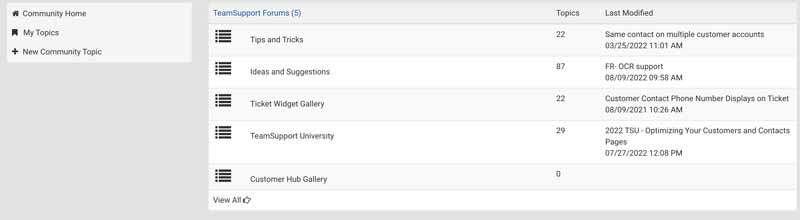
Within the Customer Support Hub is Community, which is a forum-like place for open discussion between customers and TeamSupport employees. As an excellent place to crowd-source solutions, best practices, and tips, the Community helps customers help themselves by directly engaging and collaborating with fellow users and our product experts.
-min.jpg?width=4200&height=2800&name=shutterstock_351885389%20(1)-min.jpg)
Ensure you're driving customers to self-service options, on the channels they already use to submit tickets, with ticket deflection. By implementing ticket deflection on your support hub or live chat, customers are able to solve issues on their own - freeing up valuable agent time.